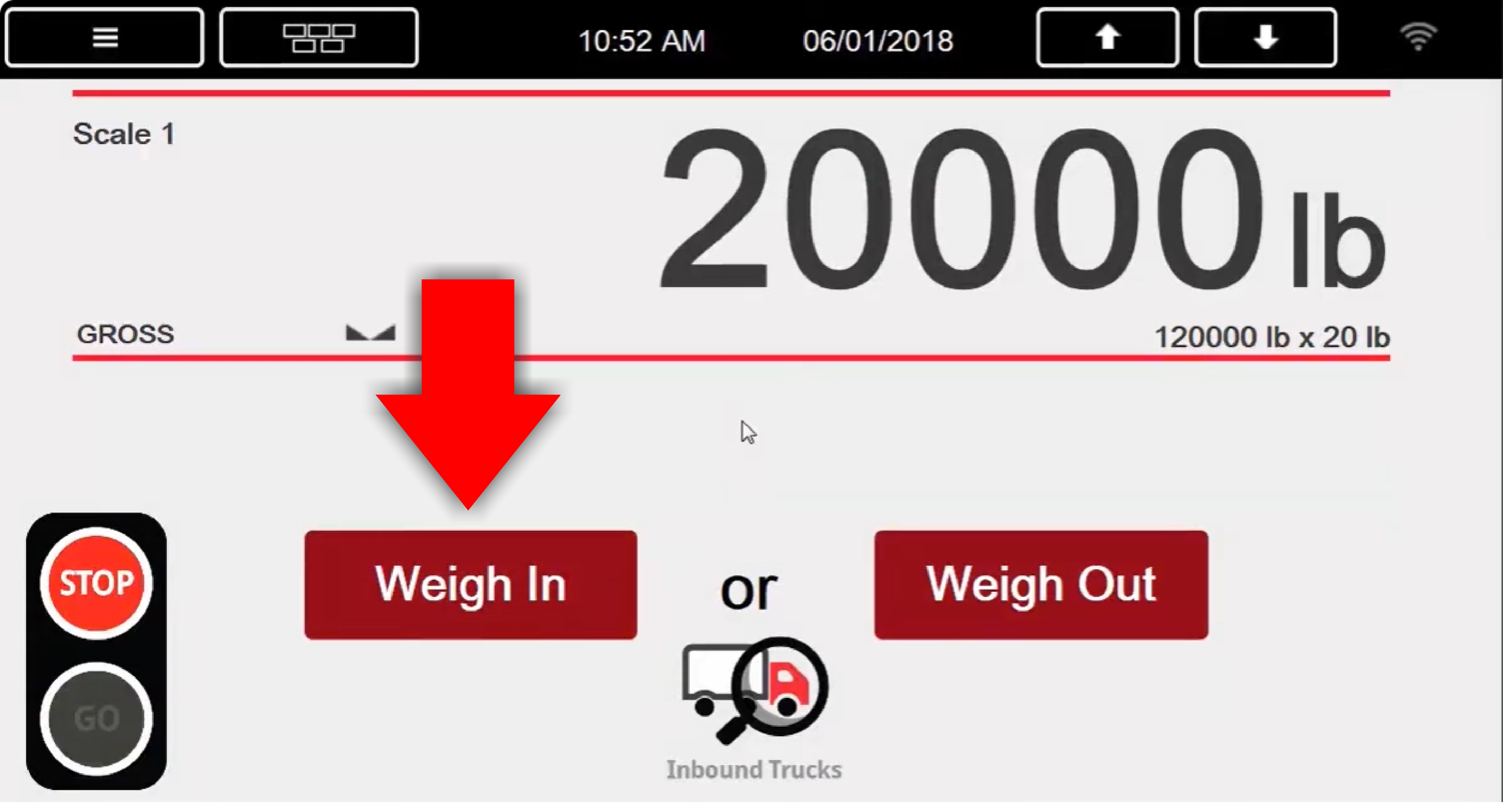
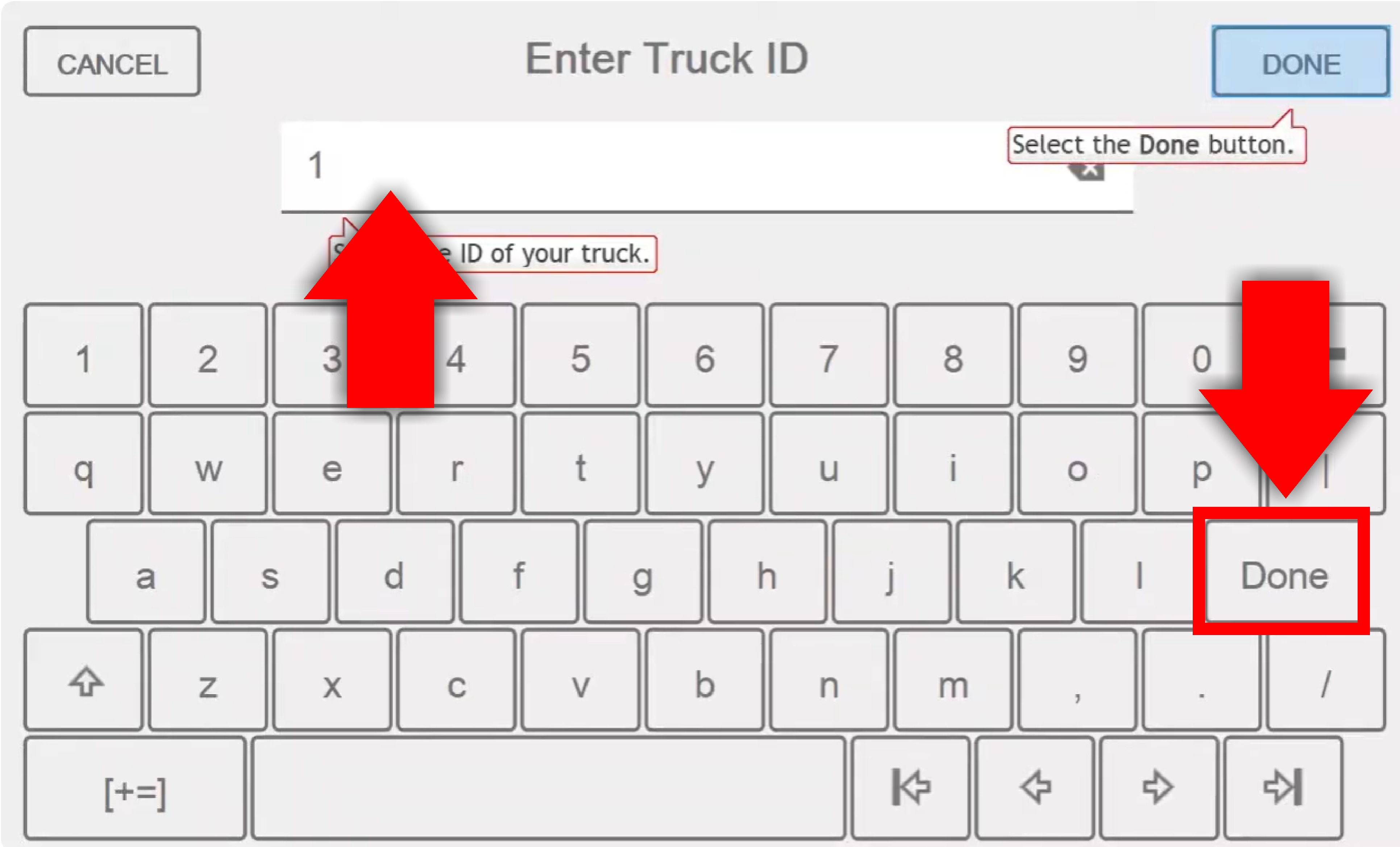
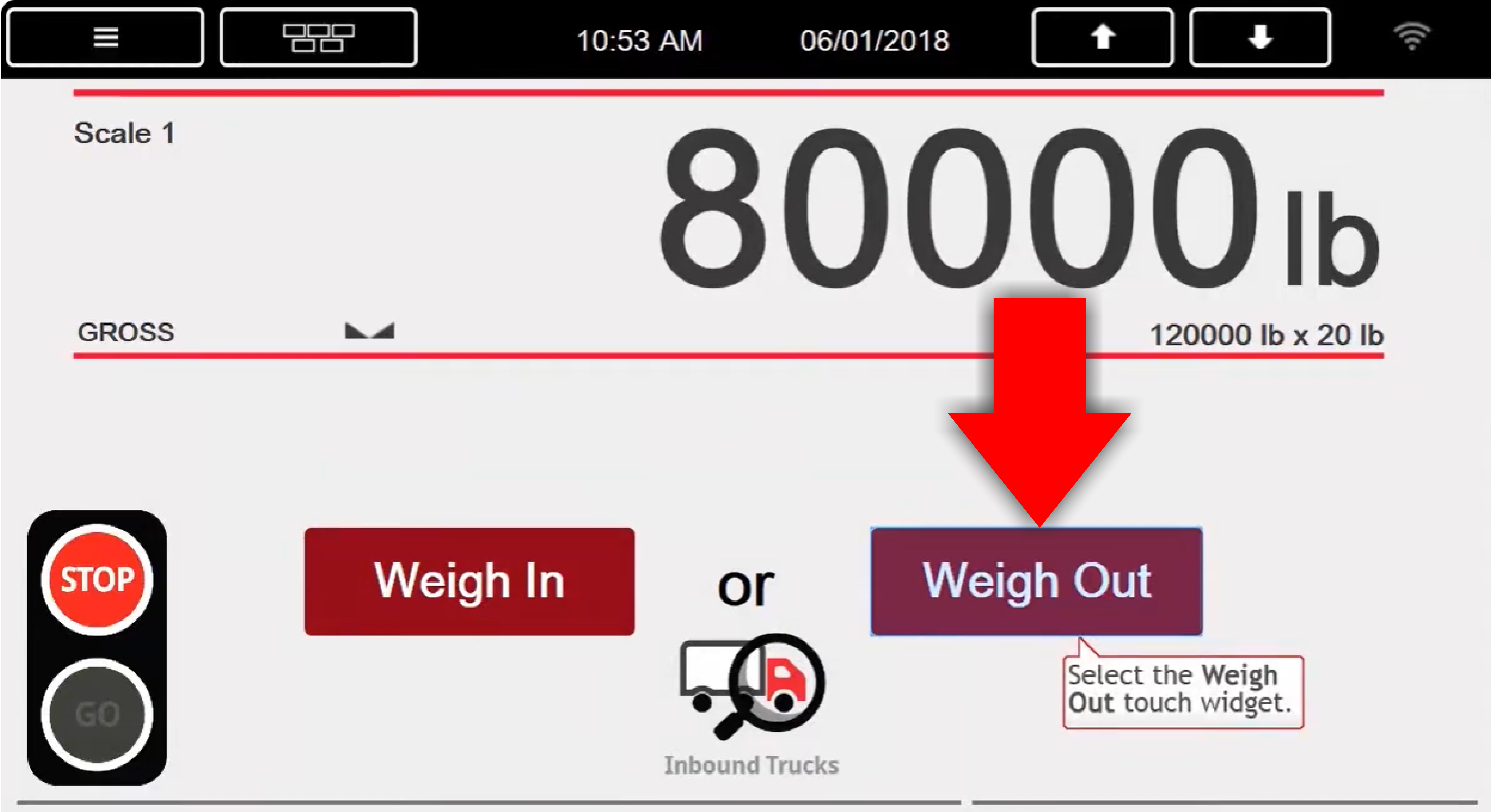
1. Weigh in empty
(Tare Weight)
Exit scale & proceed to load product.
2. Weigh in loaded
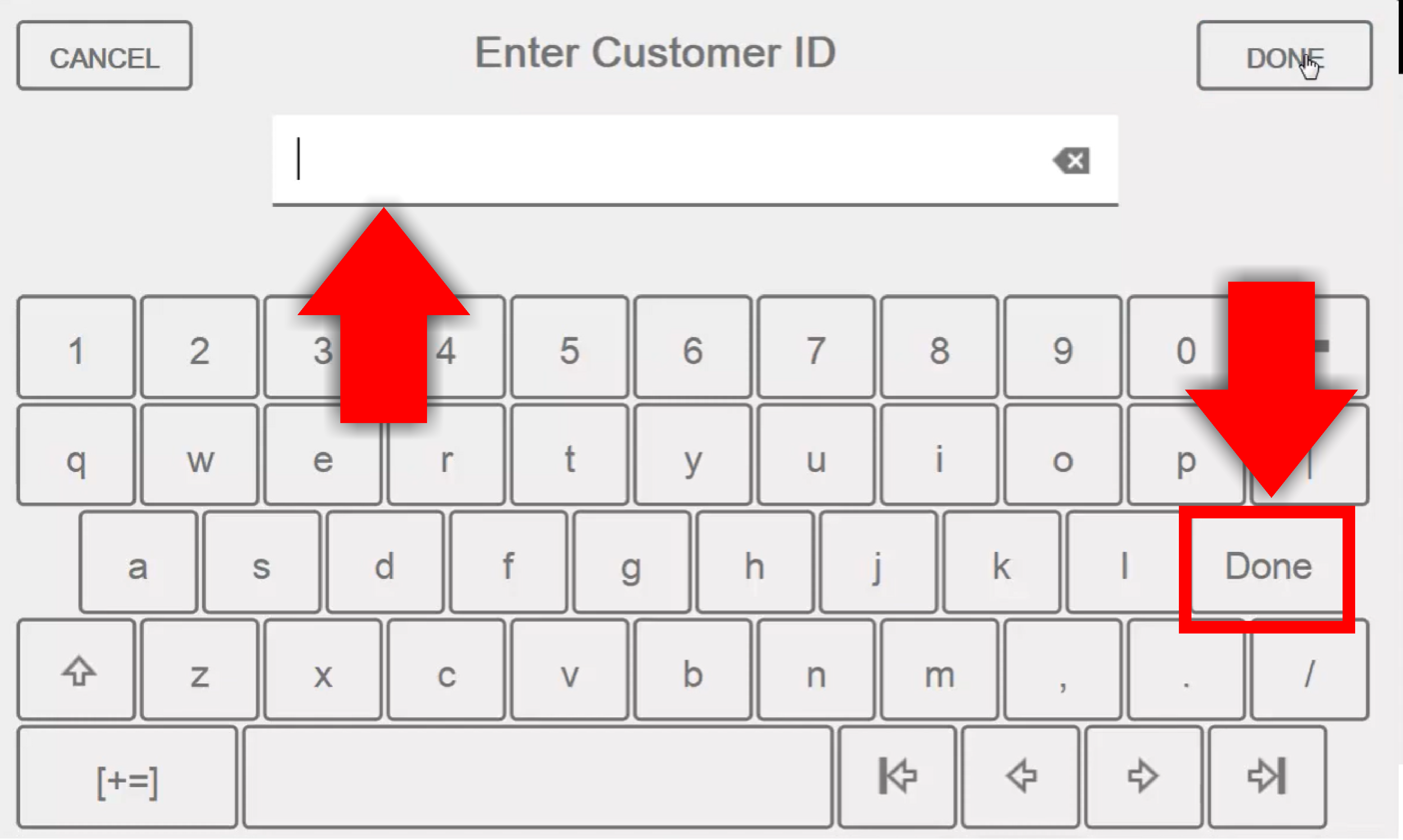
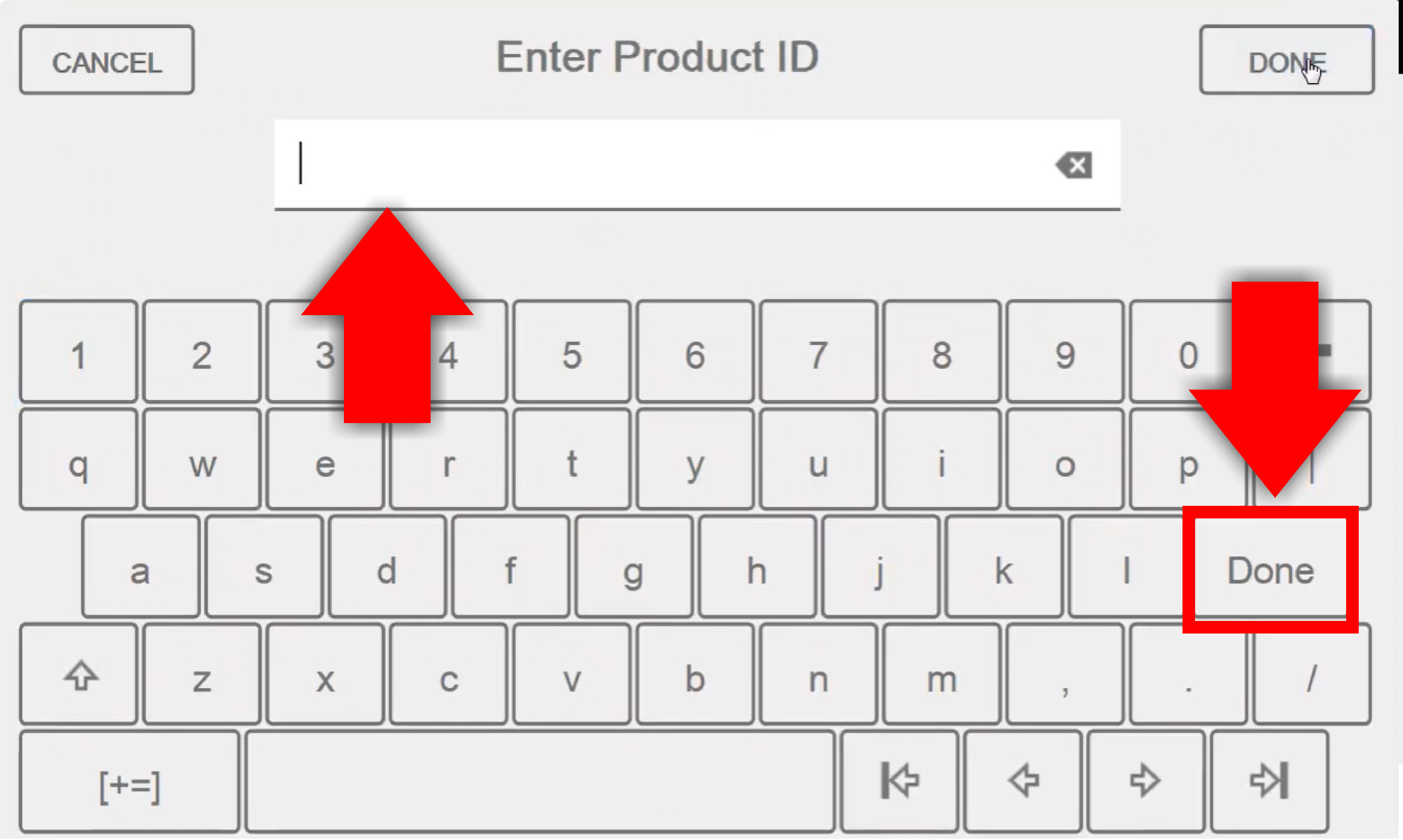
Enter the CUSTOMER ID and press DONE
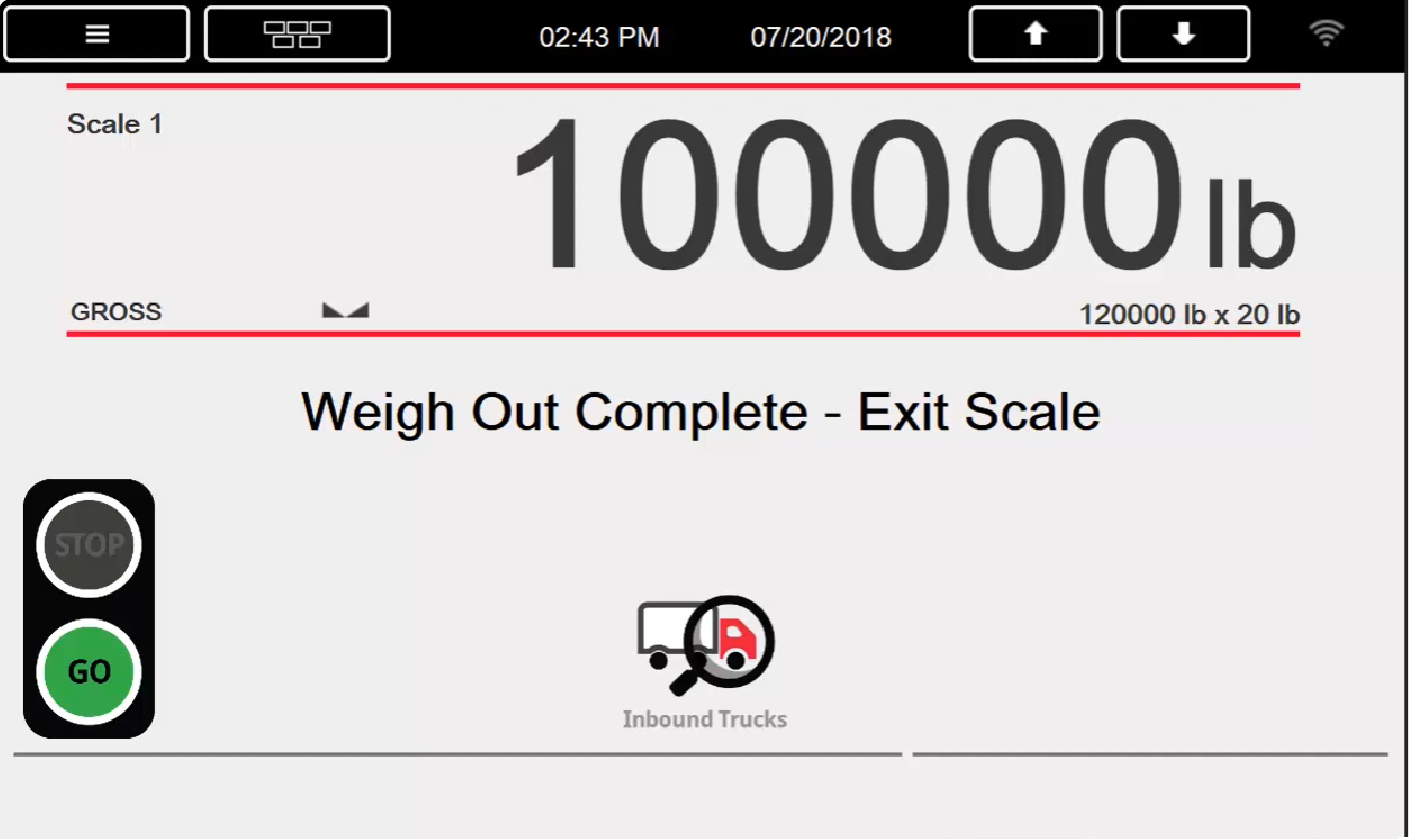
When the Weigh Out is complete, the printer will print out 2 tickets. Keep 1 ticket for your records & place the 2nd ticket in the box below the kiosk.

.png)